Media & Press

Material for anyone writing about Faustica

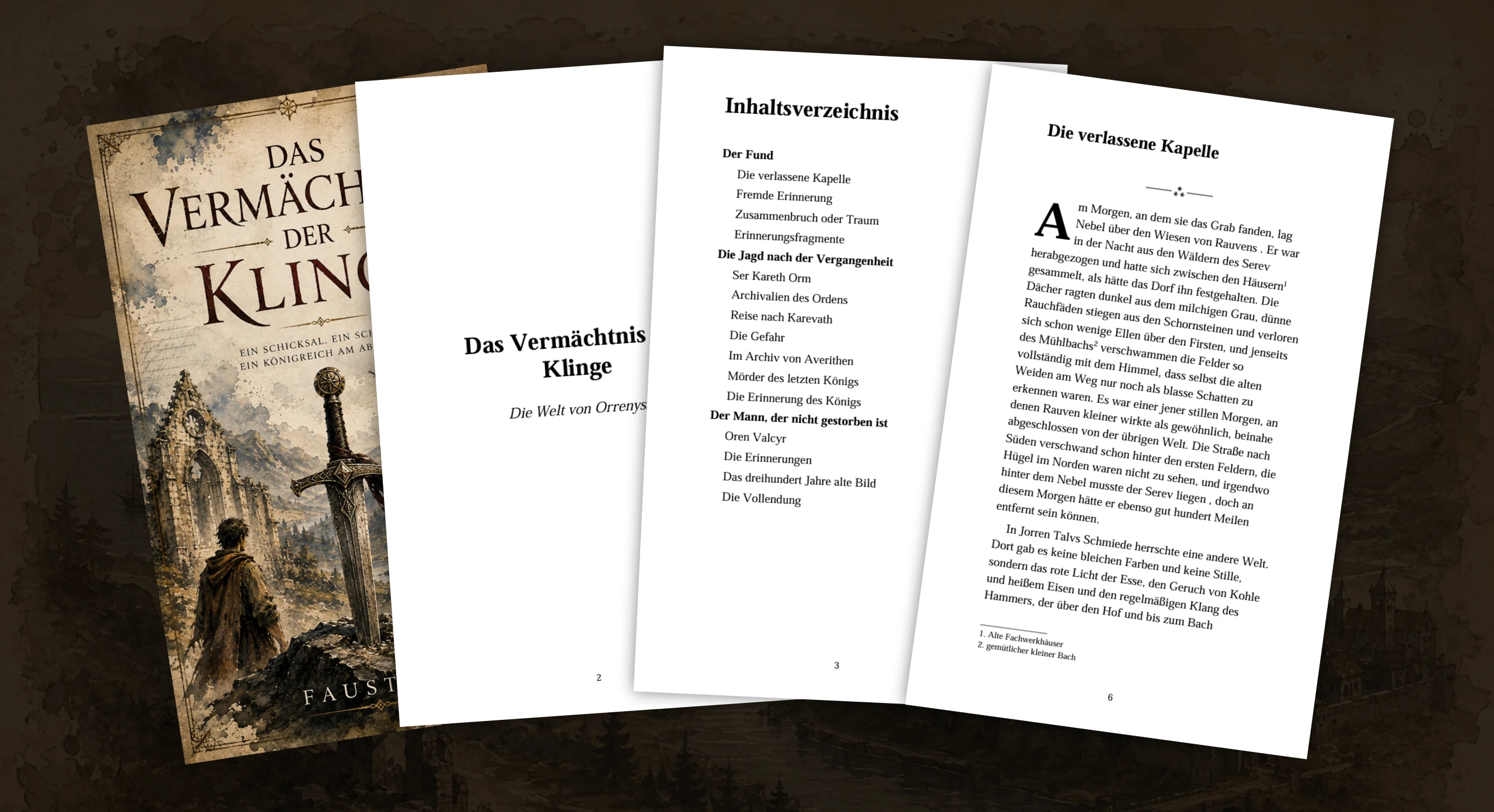
Logo, app icon and screenshots, ready for direct download. These materials are meant for blog posts, reviews, articles and press coverage about Faustica.

Usage: The logo, icon and screenshots may be used freely, in an editorial context, for blog posts, reviews, articles and press coverage about Faustica. Please keep them unaltered. A link back to faustica.com would make my day.

If you have any questions, just send me an email: christian@faustica.com.

Icon & Logo

Logo and icon.

"Download" opens the file in a new tab. From there, save it via right-click → "Save image as …", or through the download icon in your browser.

Logo

Faustica logo (wordmark)

Logo, 1981 px wide

PNG · transparent background

Download ↓

Icon

Faustica icon, 512×512 pixels

Icon, 512 px

PNG · for web & articles

Download ↓
Faustica icon, 1080×1080 pixels

Icon, 1080 px

PNG · for print & large formats

Download ↓
Faustica icon, 128×128 pixels

Icon, 128 px

PNG · for favicons & small previews

Download ↓

Screenshots

Faustica in use.

Current shots from the app, sorted by area. Clicking "Download" downloads the image at full resolution as a WebP.
Overview

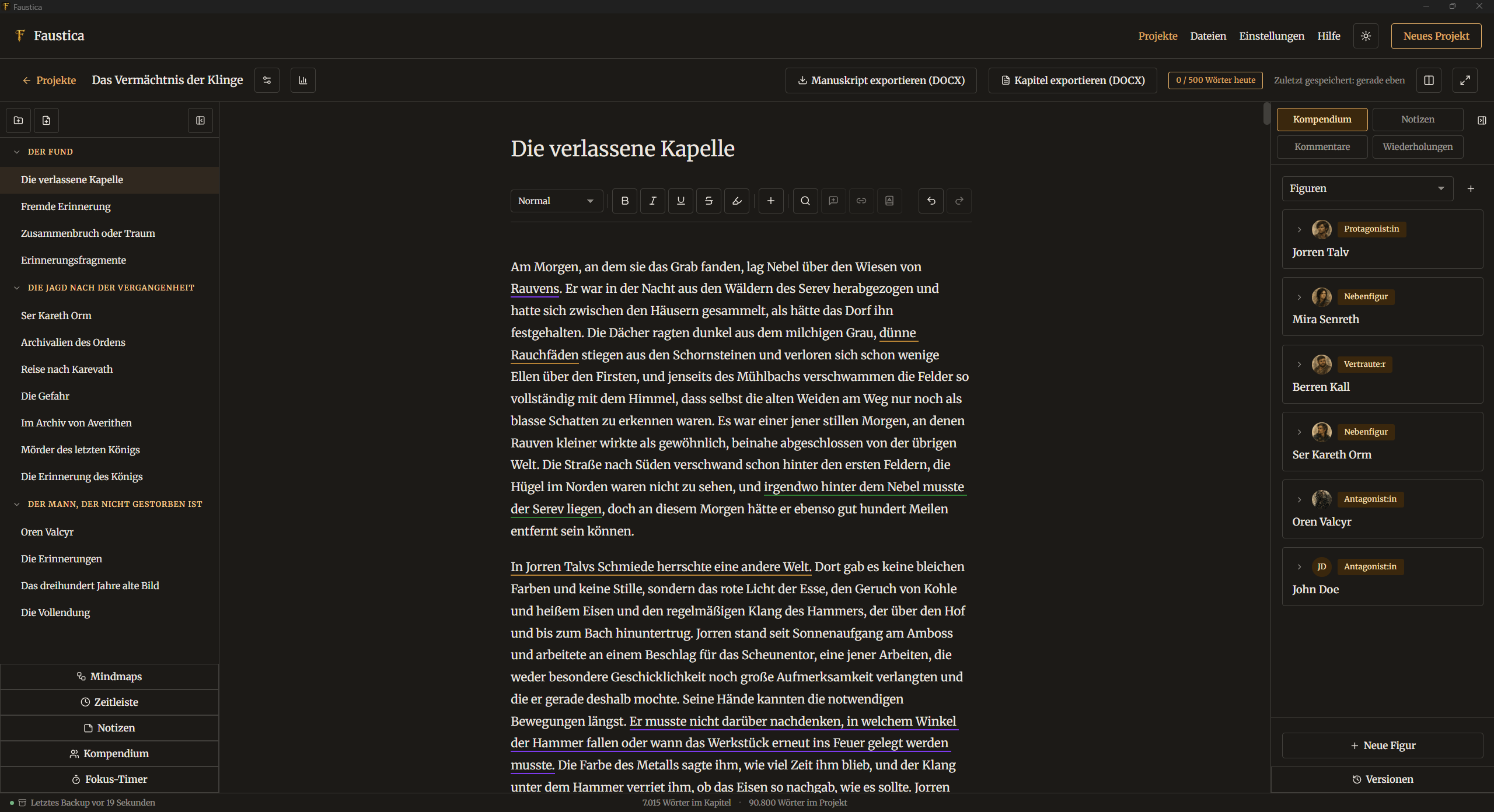
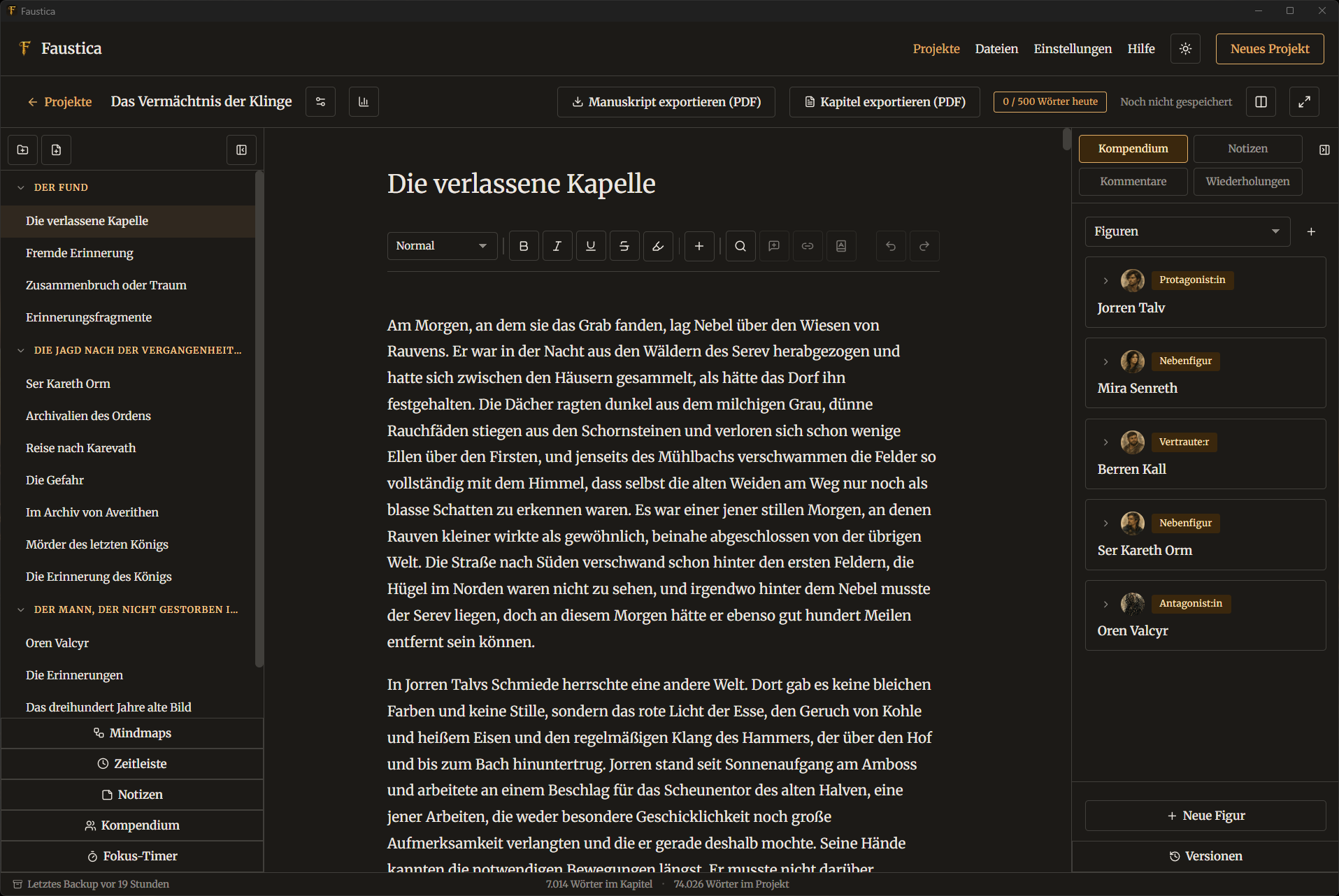
Faustica editor in dark mode
Editor in dark mode
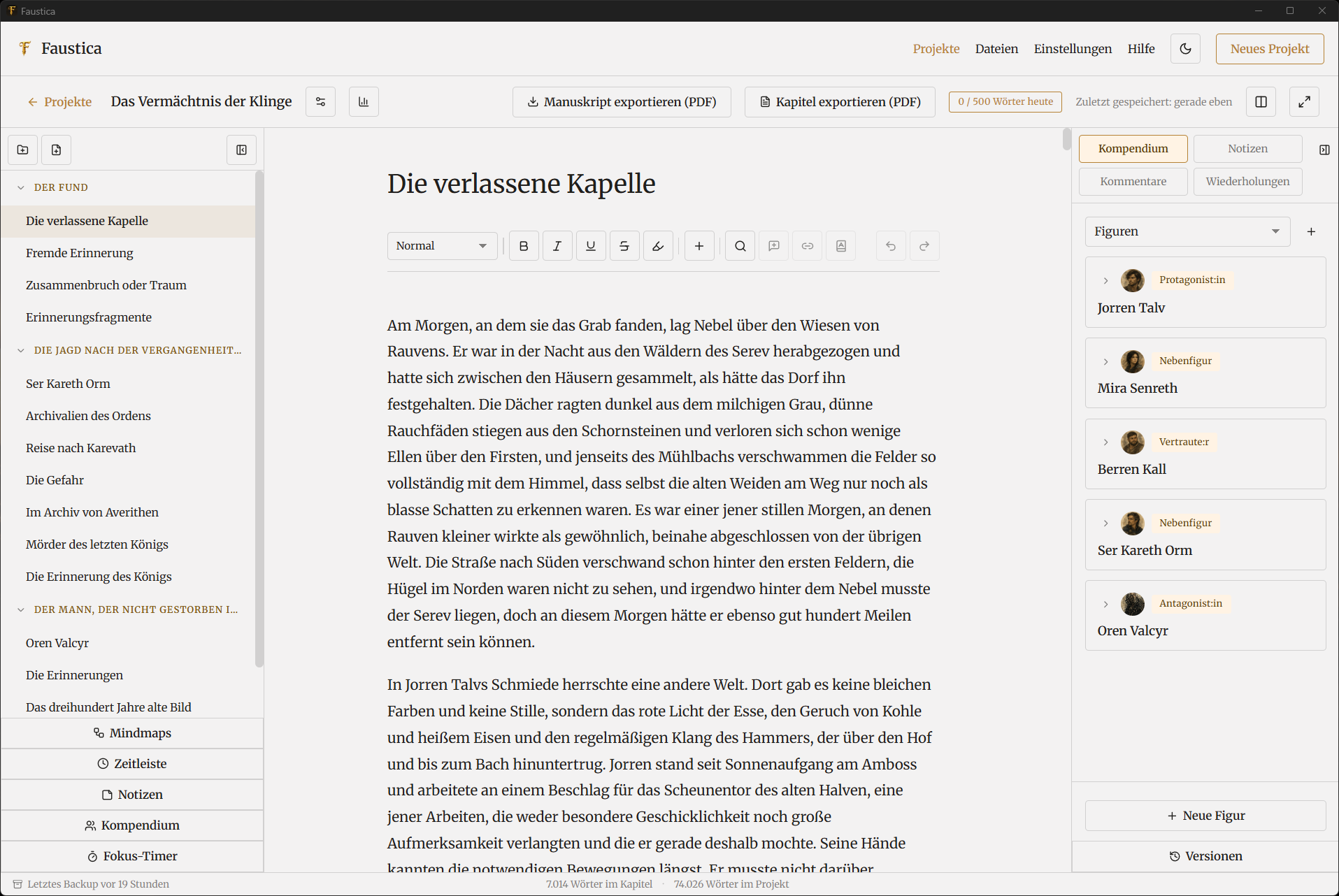
Faustica editor in light mode
Editor in light mode

Editor

Faustica editor overview
Editor view
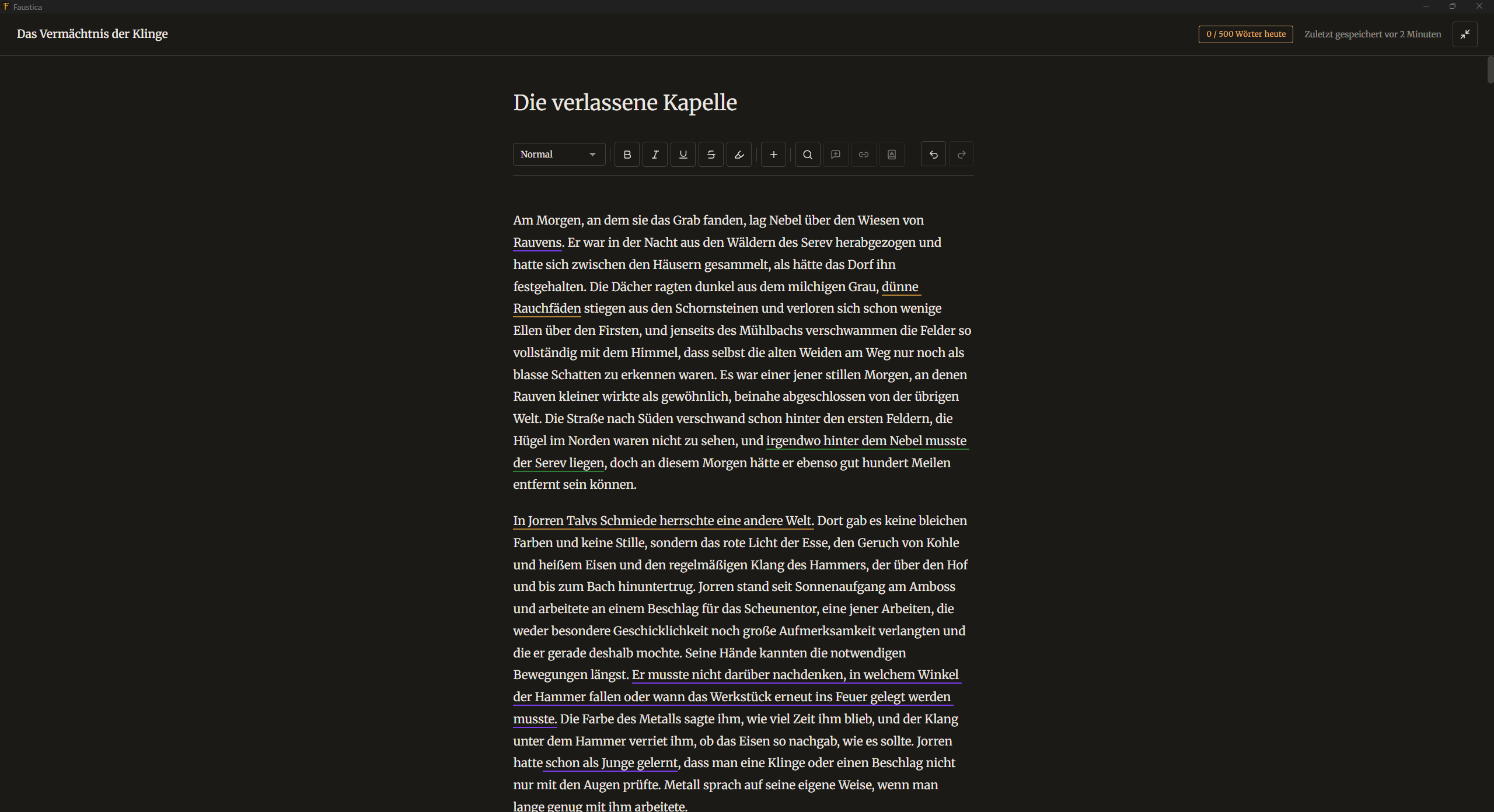
Faustica focus mode hides all the tools
Focus mode
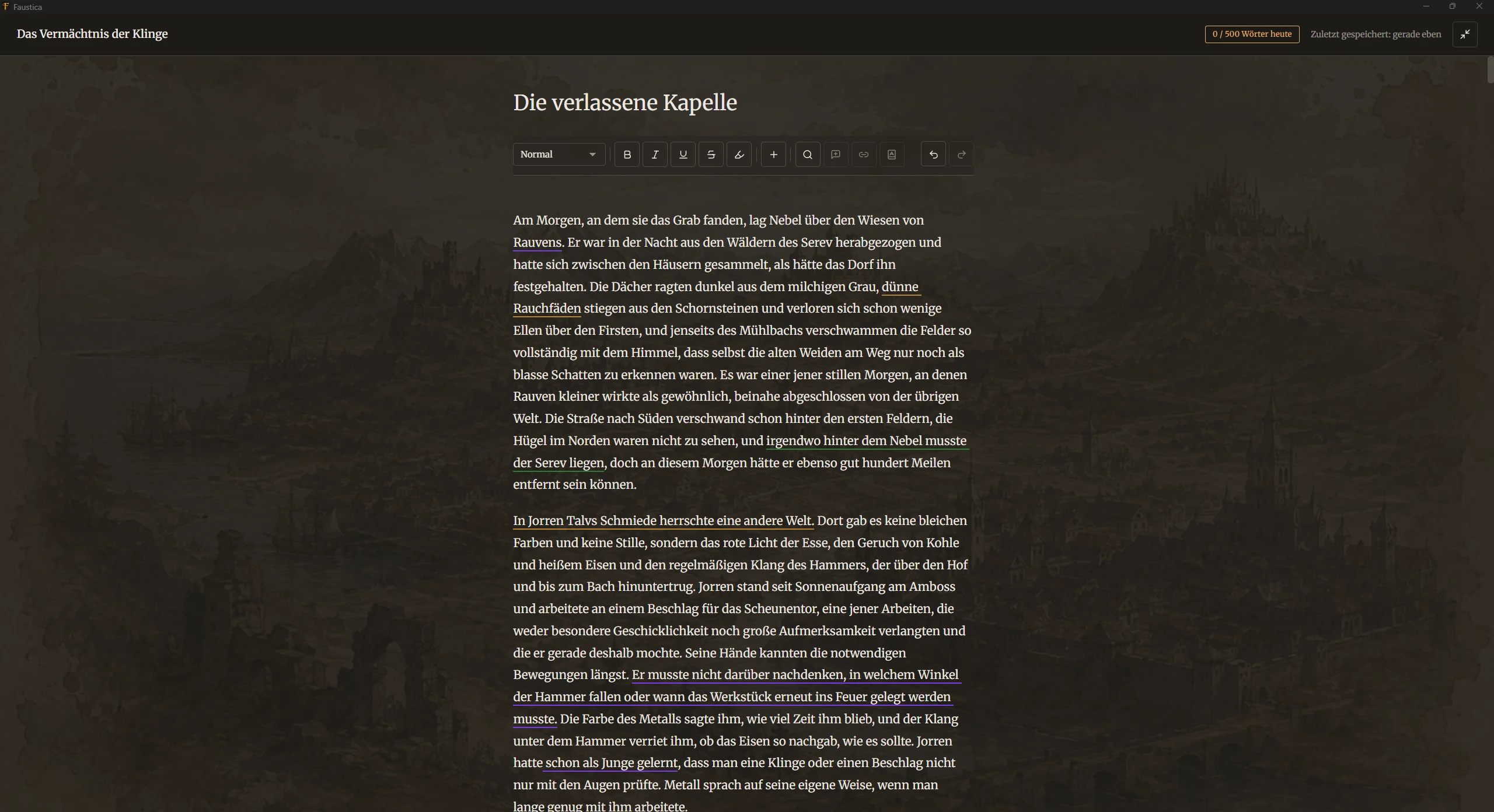
Create your own custom working environment
Focus mode with background image
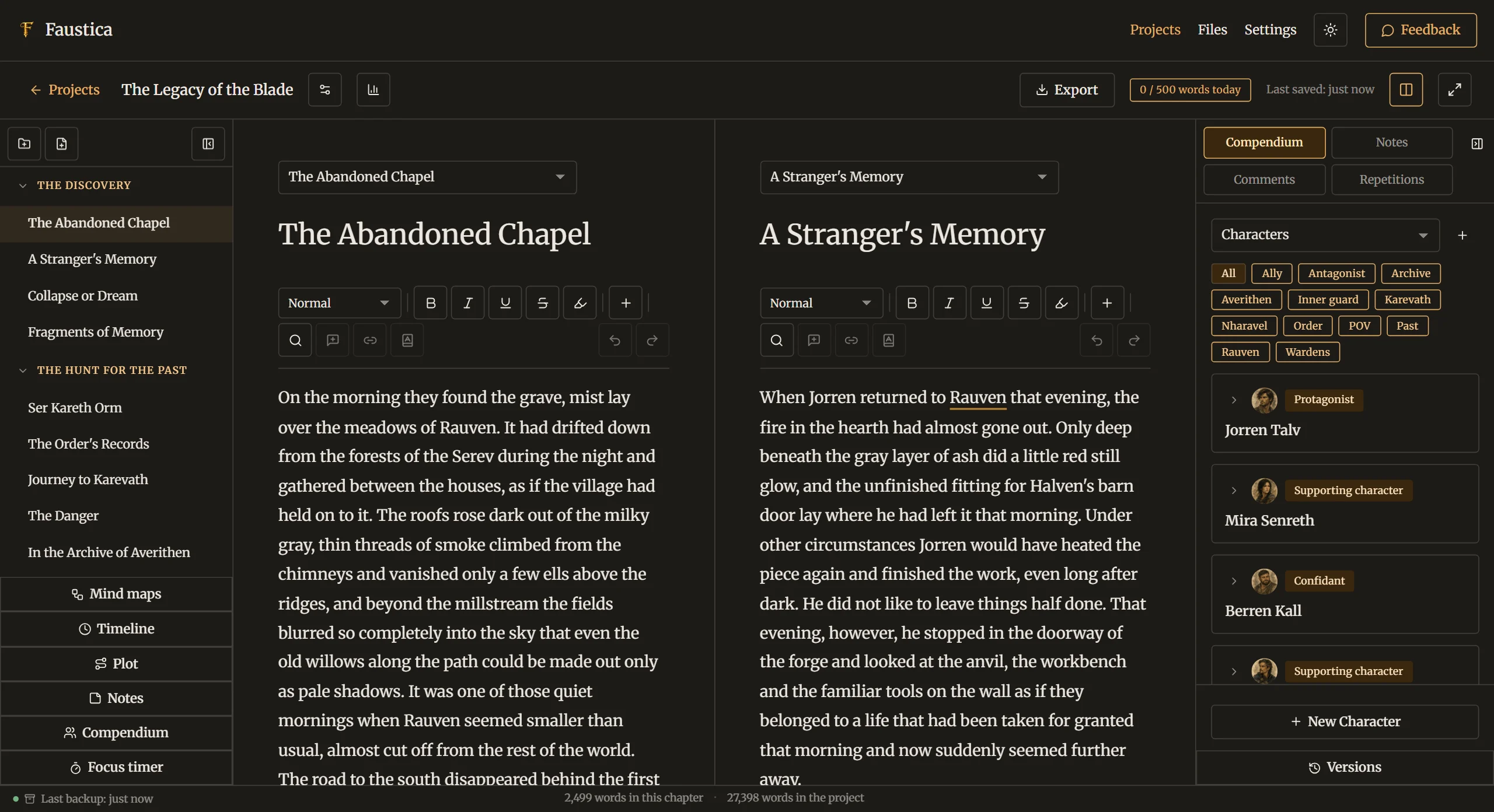
Faustica split screen lets you edit/compare 2 chapters at once
Split screen

Compendium

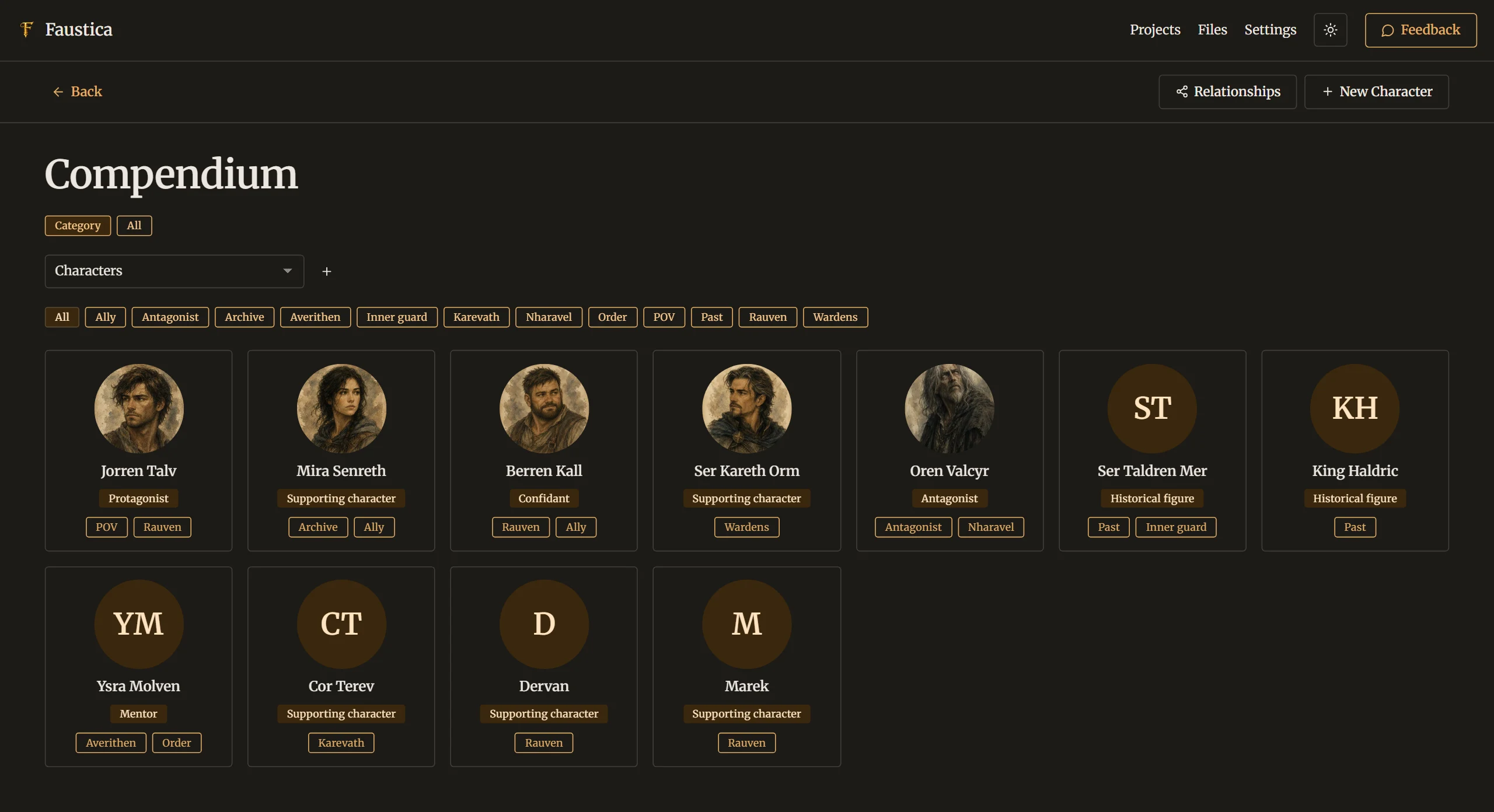
Compendium as your central knowledge base
Compendium overview
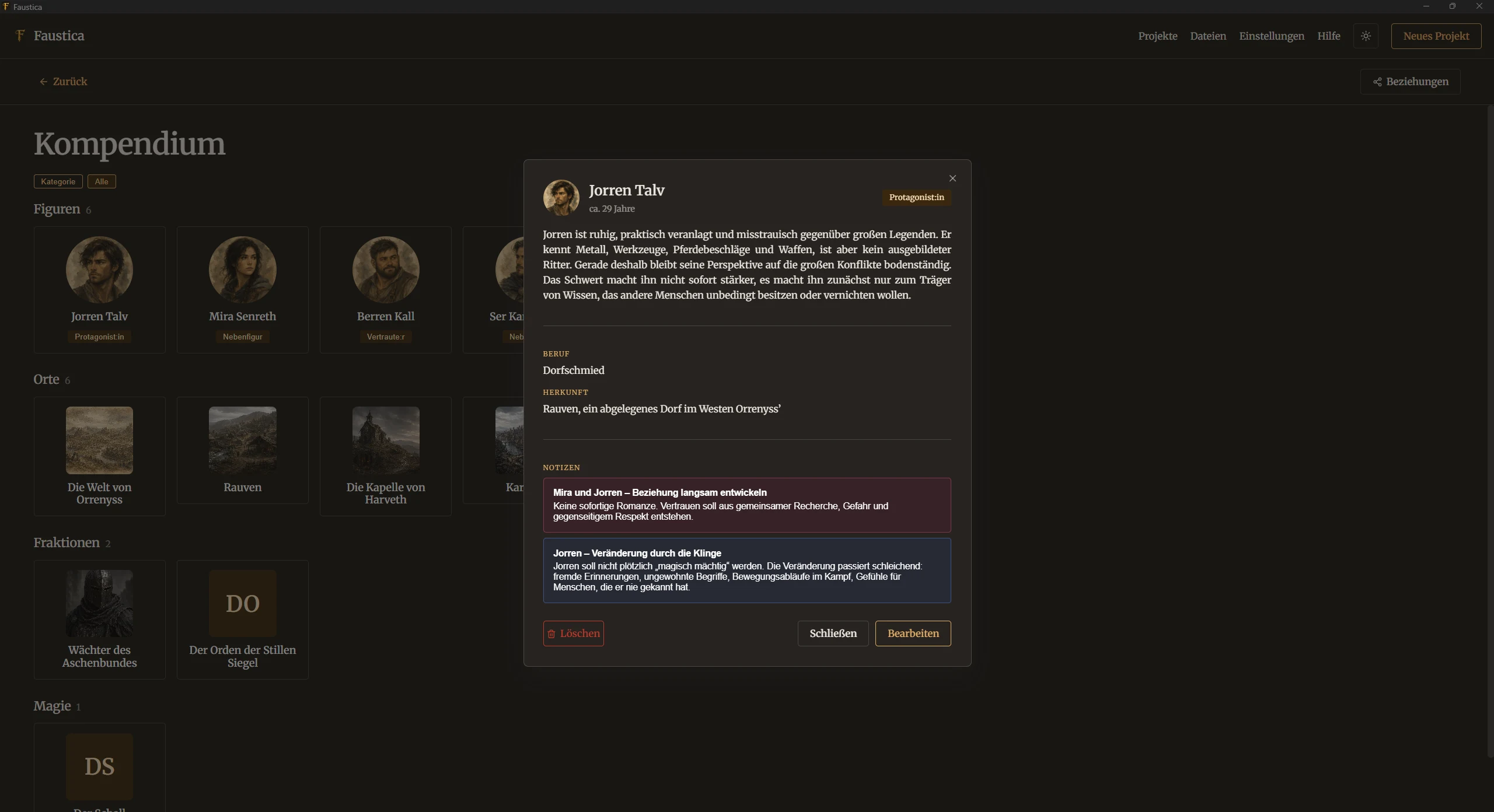
Detail view of a compendium entry
Compendium entry
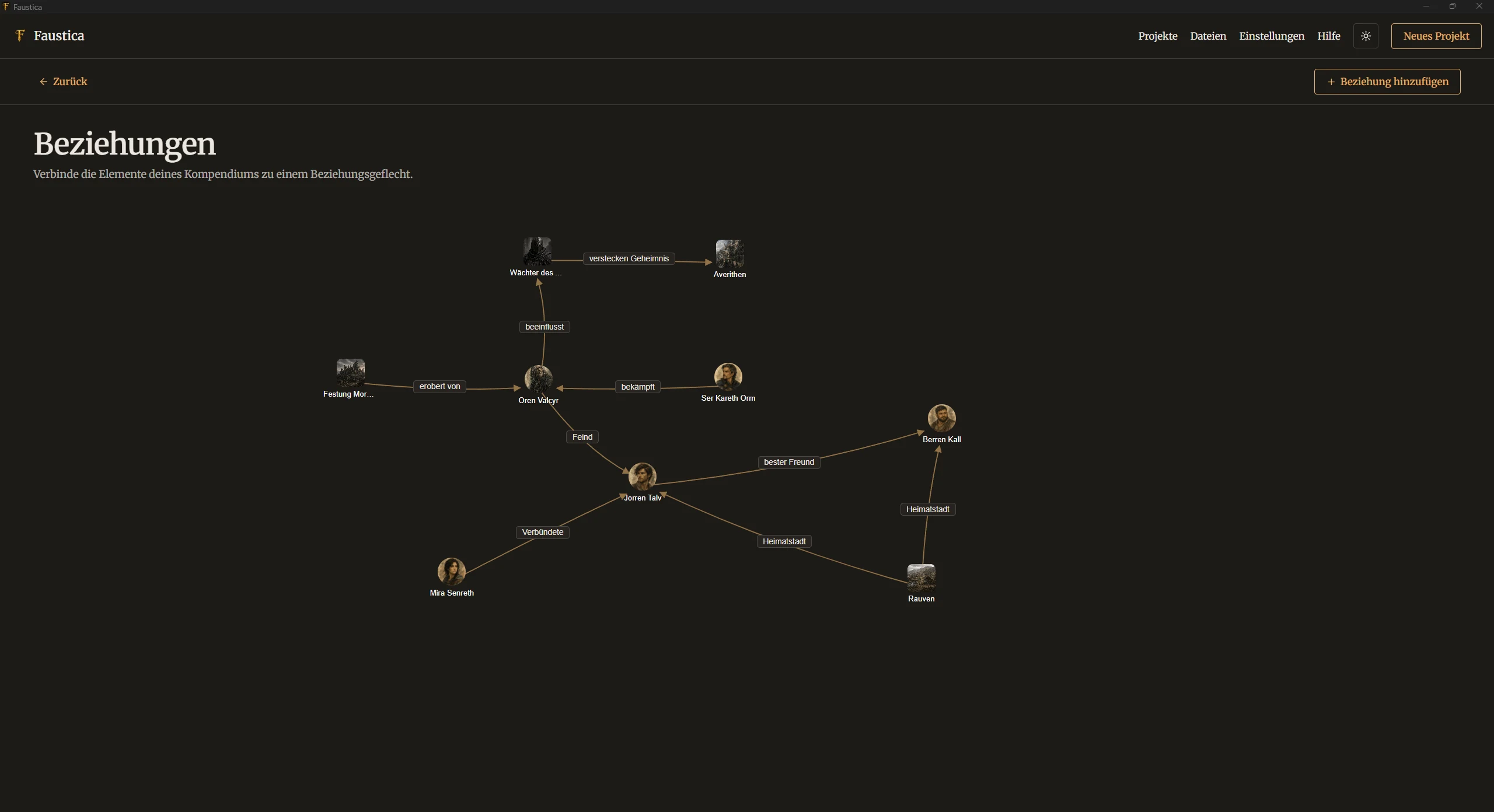
Relationships between compendium entries
Relationships between entries

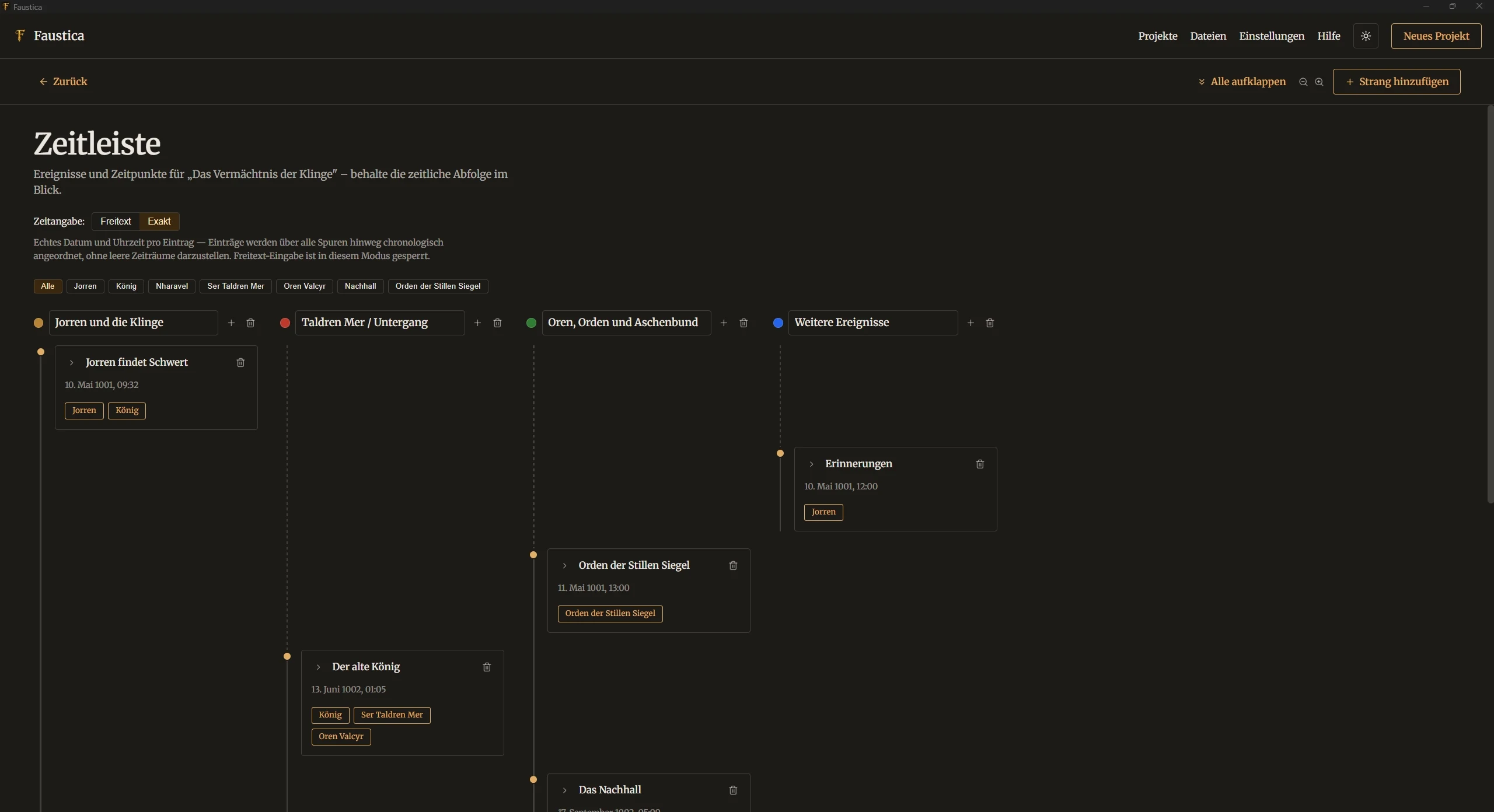
Timeline

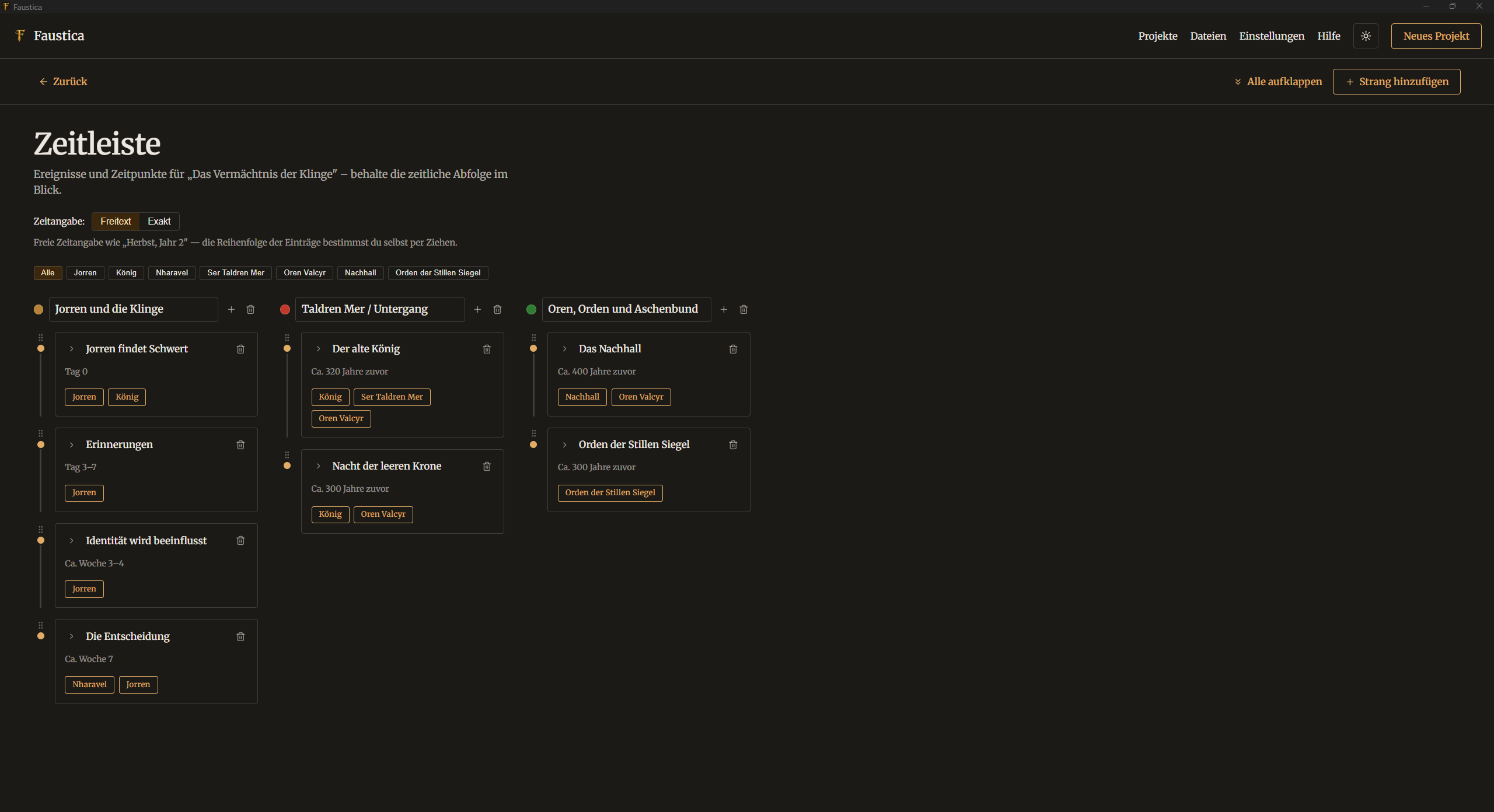
Timeline with free-form dates and multiple storylines
Timeline (free-form)
Timeline with exact dates and multiple storylines
Timeline (exact dates)

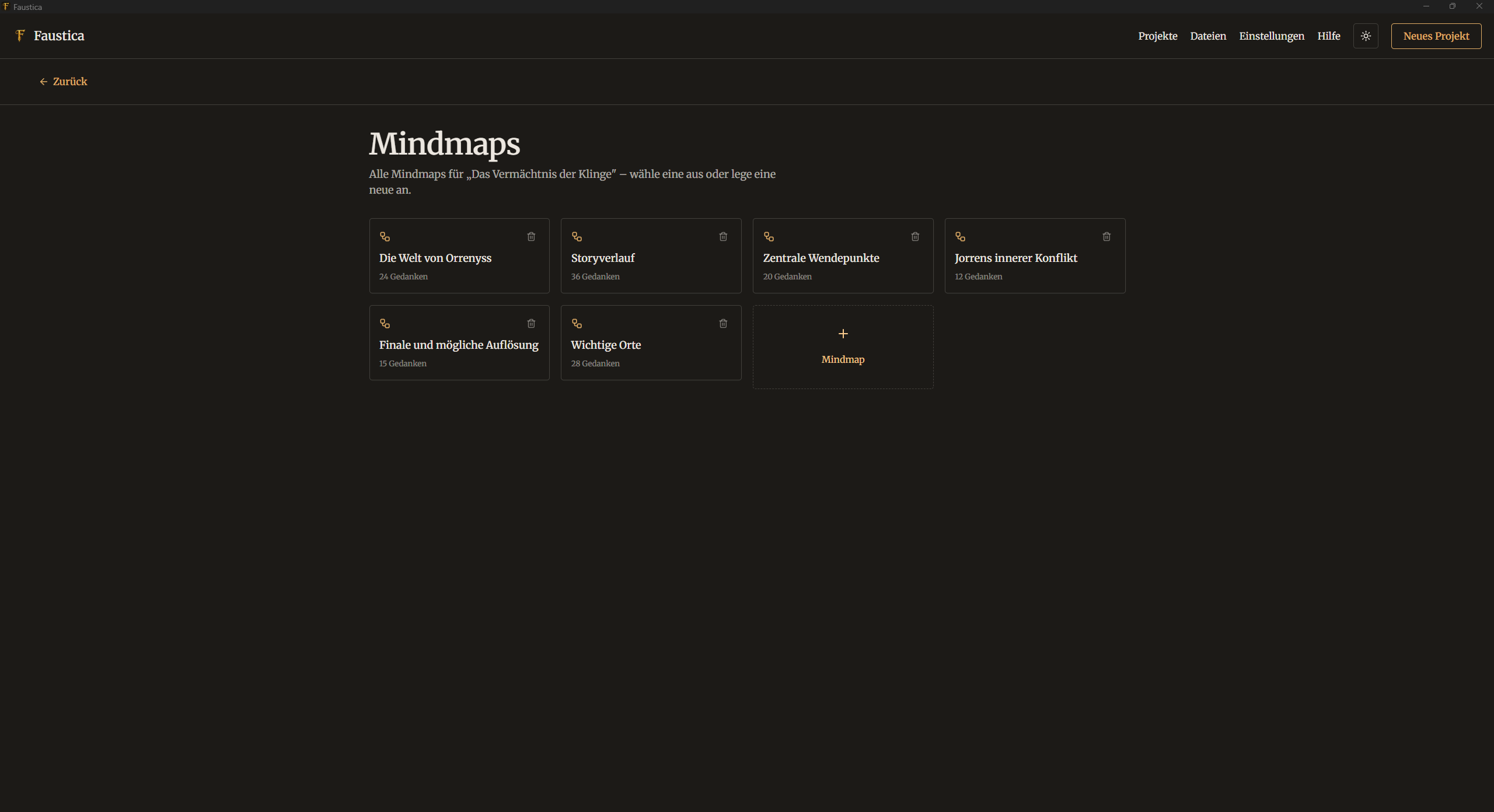
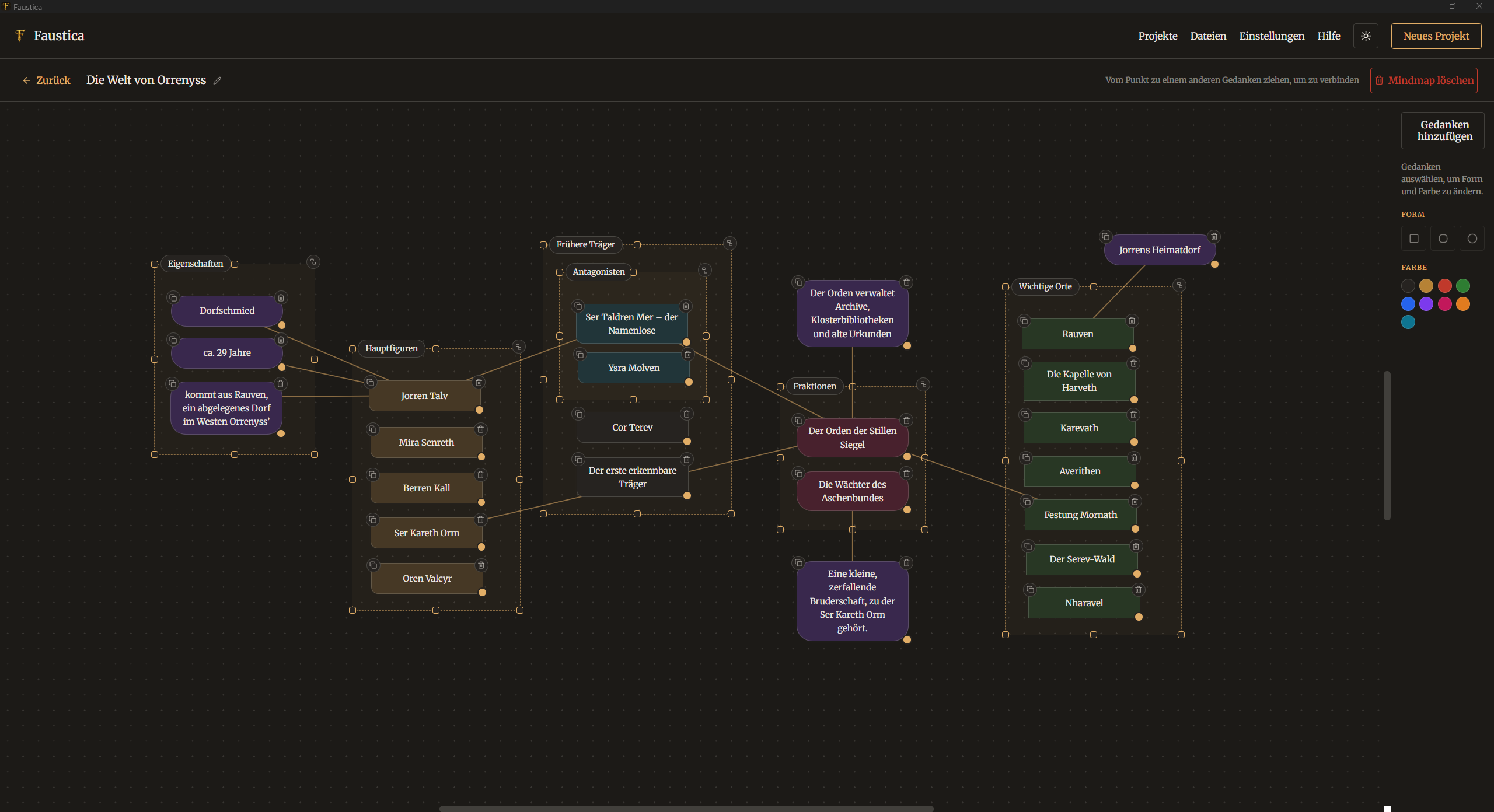
Mindmaps

Overview of the mindmaps board
Mindmaps overview
Detail view of the mindmaps board
Mindmaps board in detail

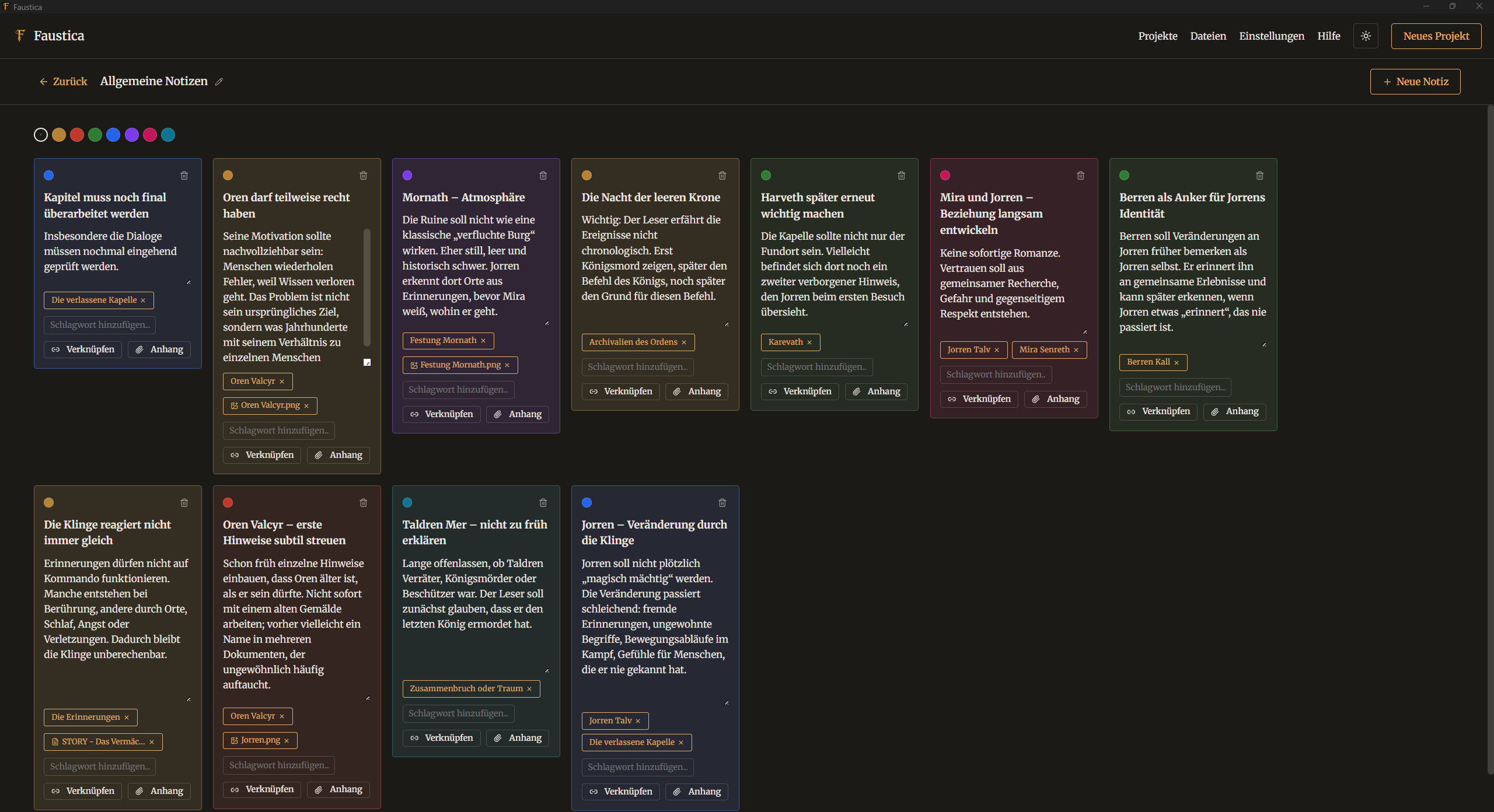
Notes & Comments

The Faustica notes board overview
Notes overview
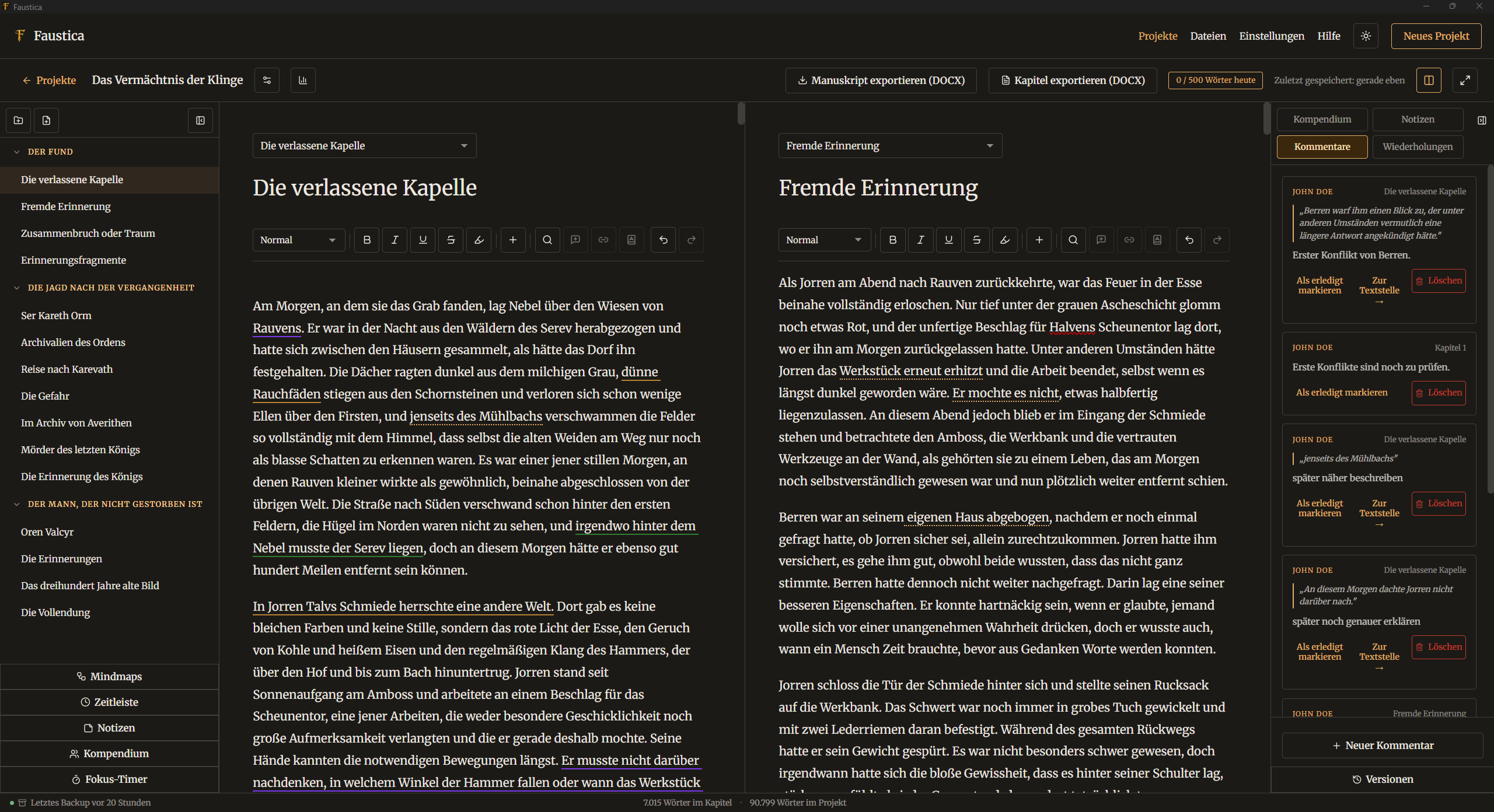
Comments in the text and in the editor
Comments in the editor
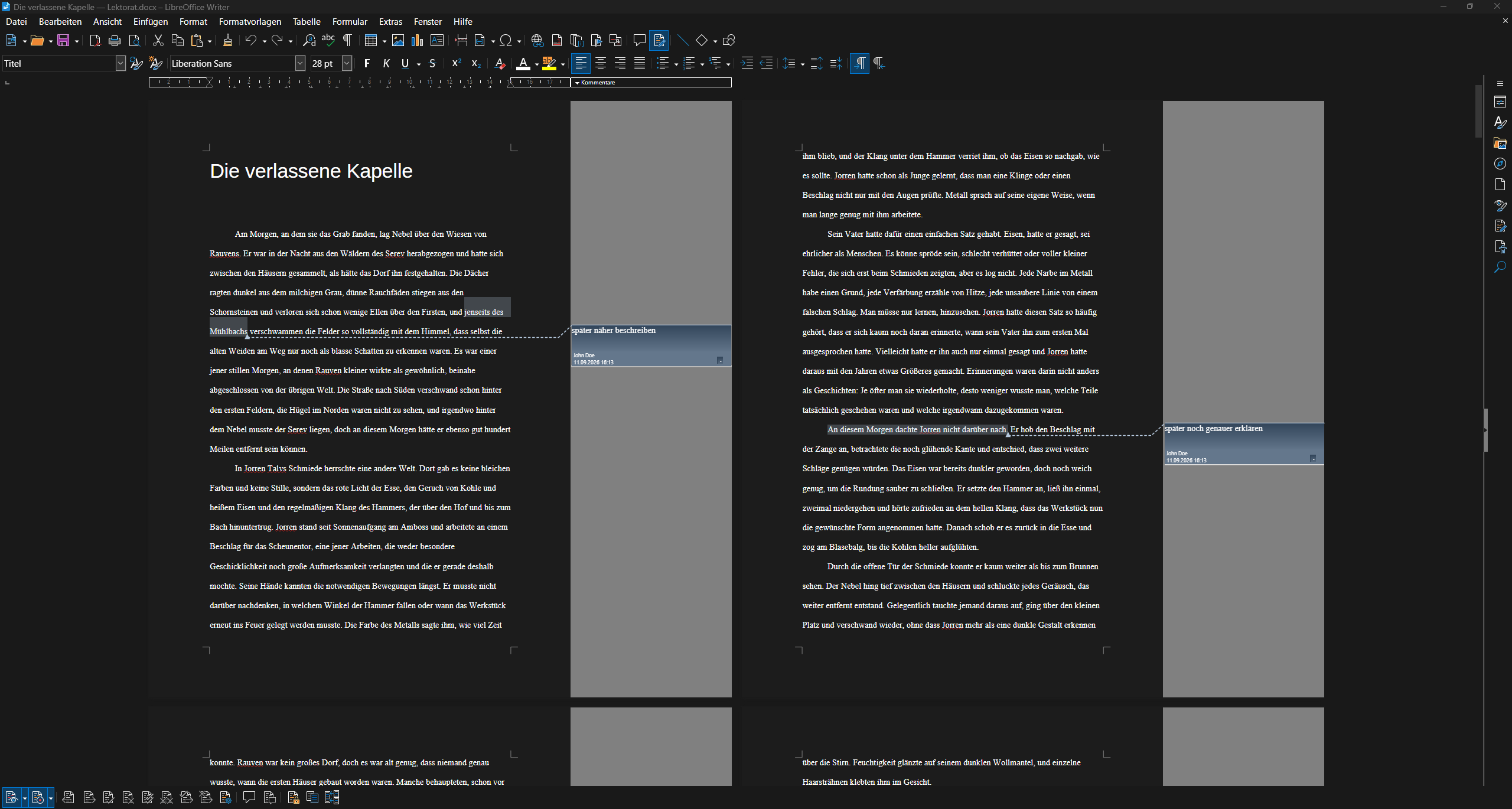
Example view of the proofreading export in LibreOffice
Proofreading export in LibreOffice

Backup & Export

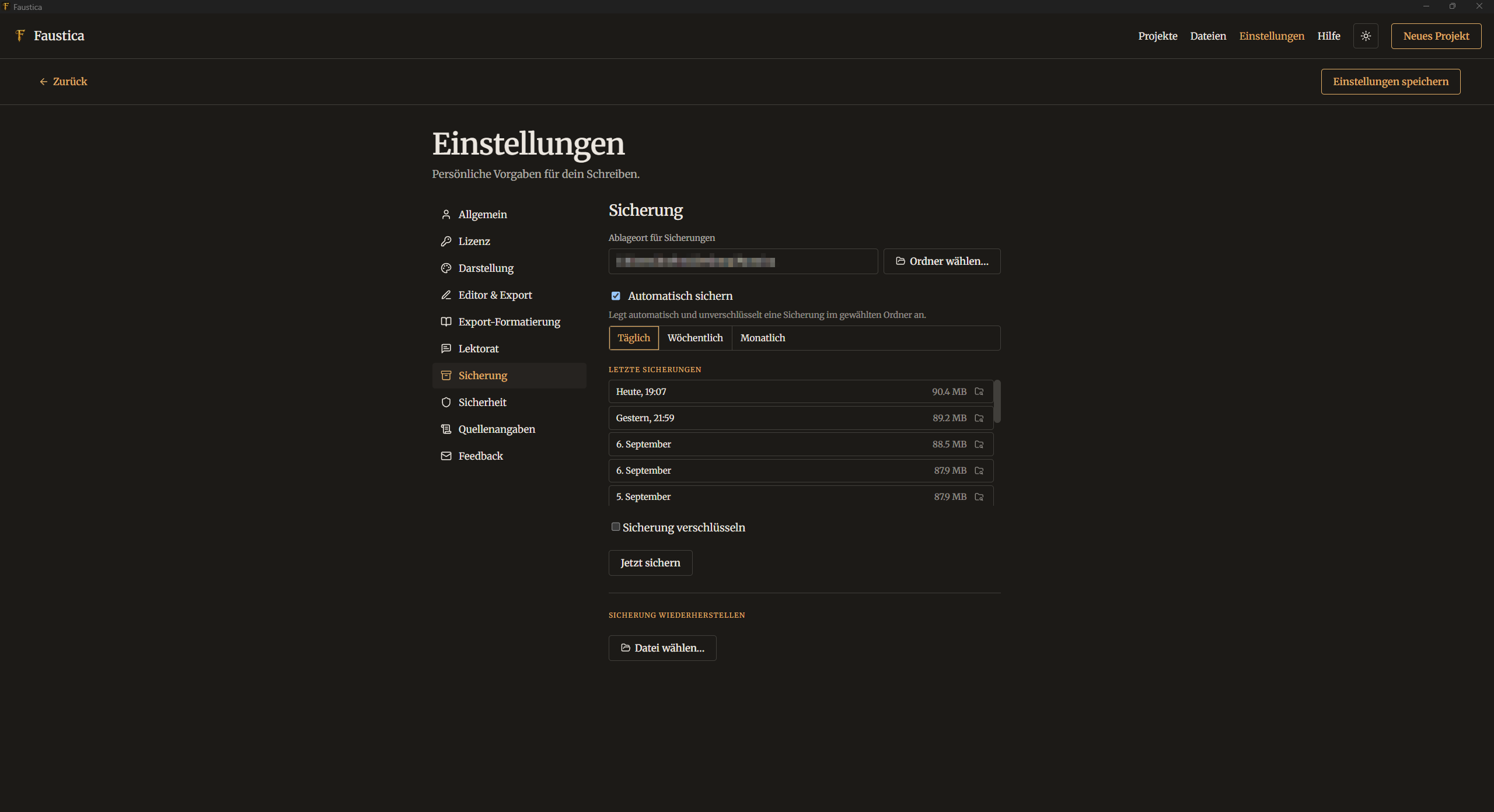
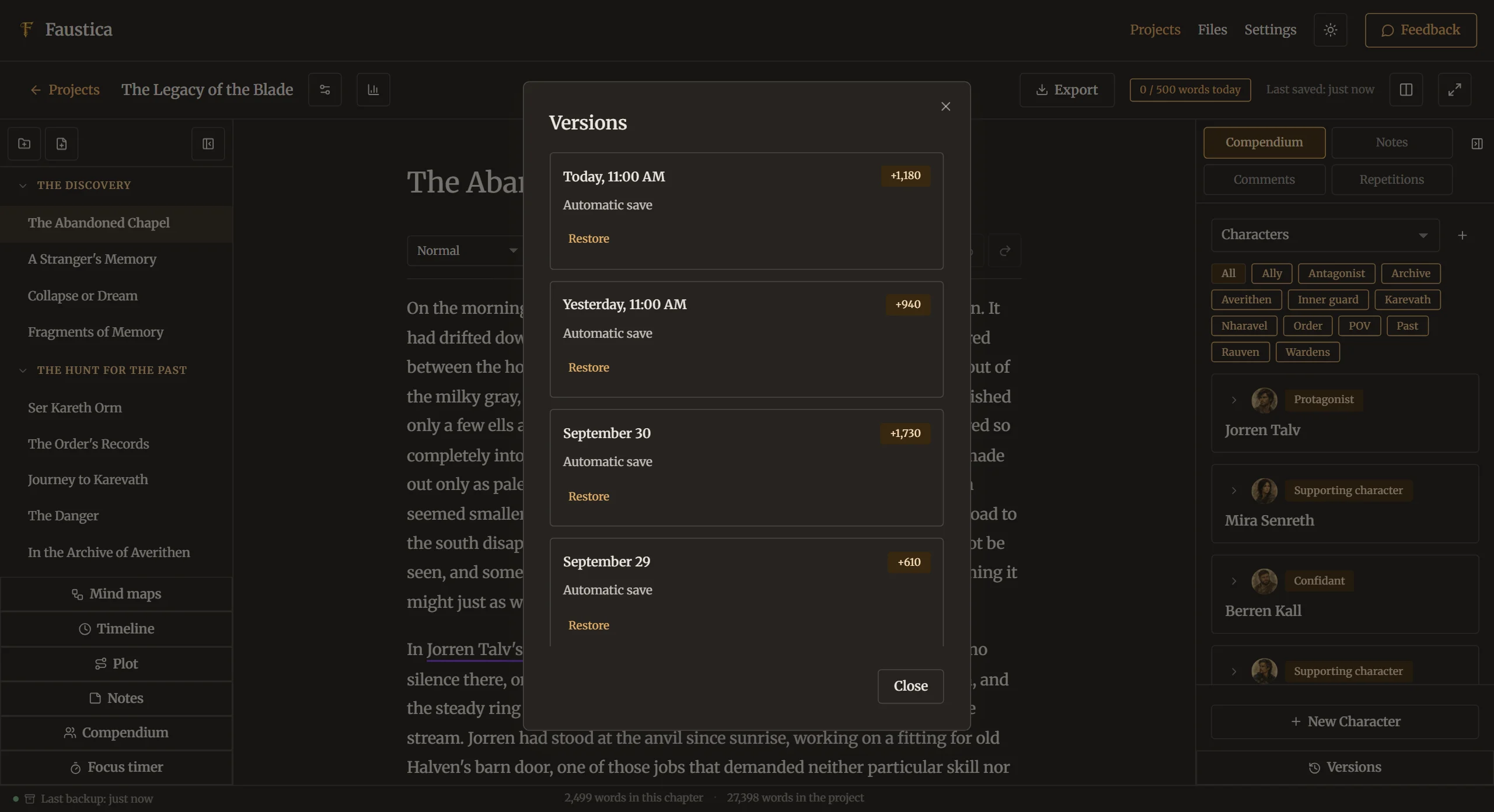
Create and restore backups in Faustica
Backups in Faustica
Automatic backup of your daily work
Automatic backup
Example export in Faustica
Example export