
Feature 11New: 6 color themes
Faustica, your way.
Everyone writes differently. That’s why Faustica adapts to the way you work and to your taste.
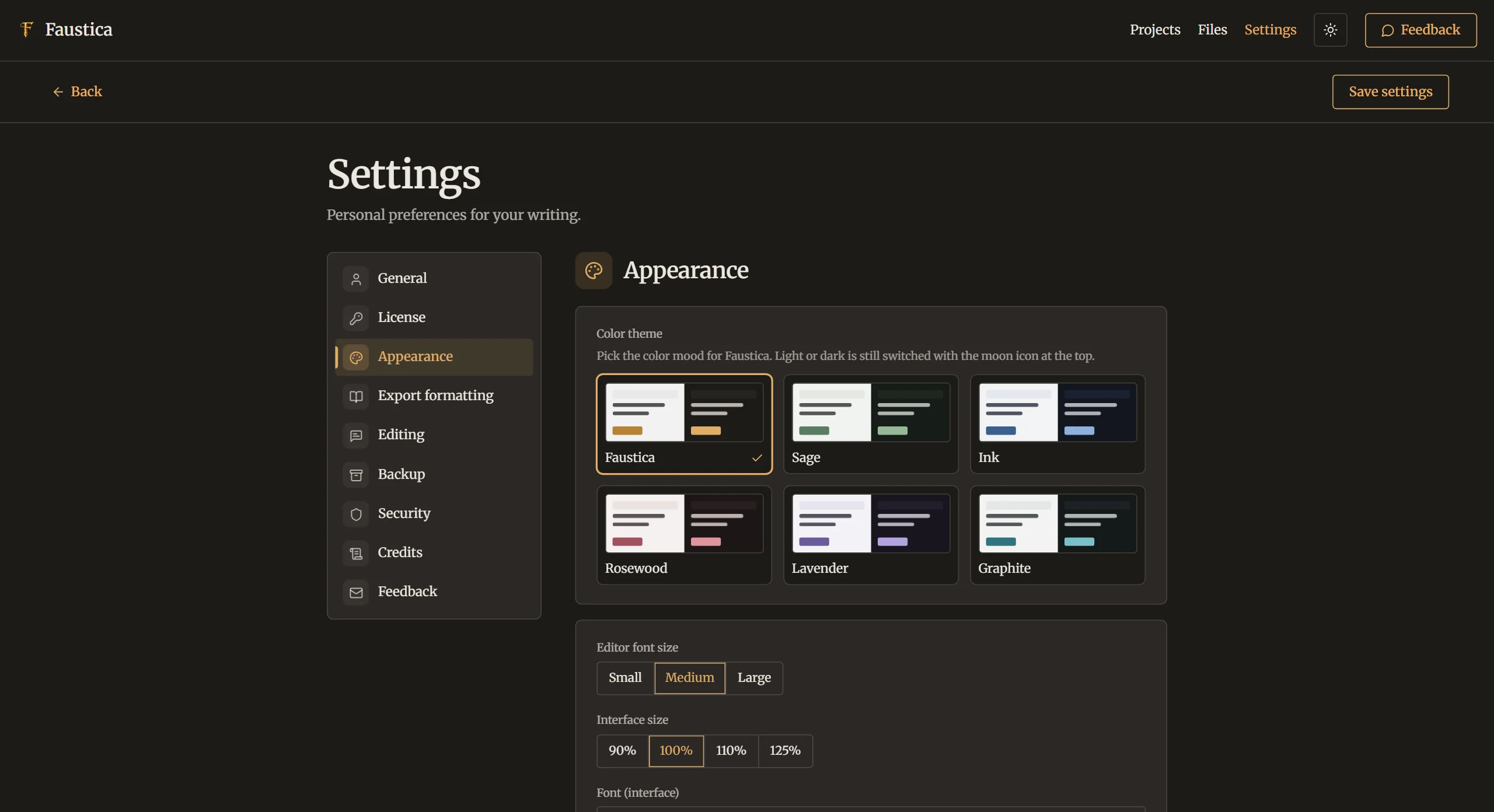
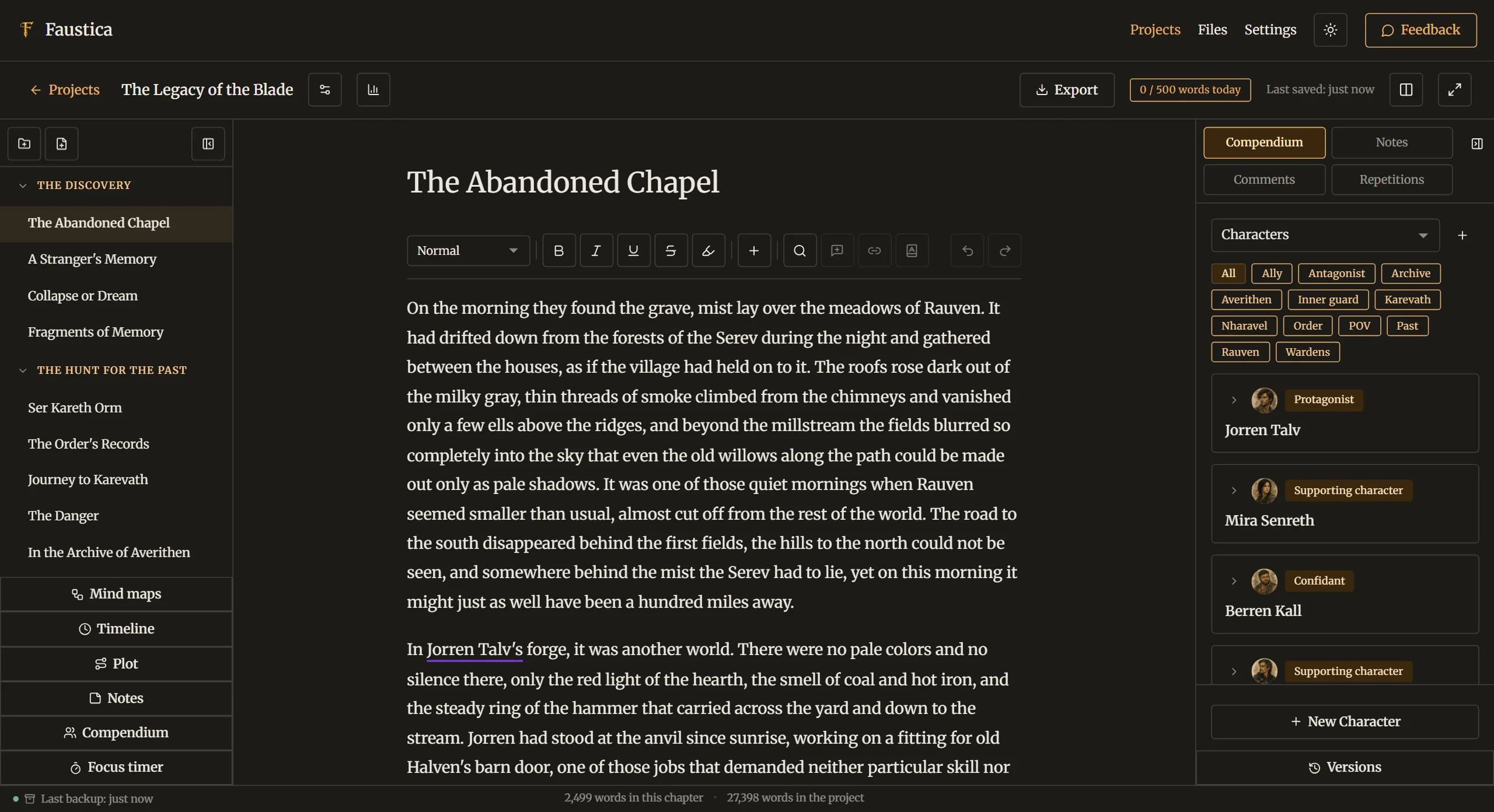
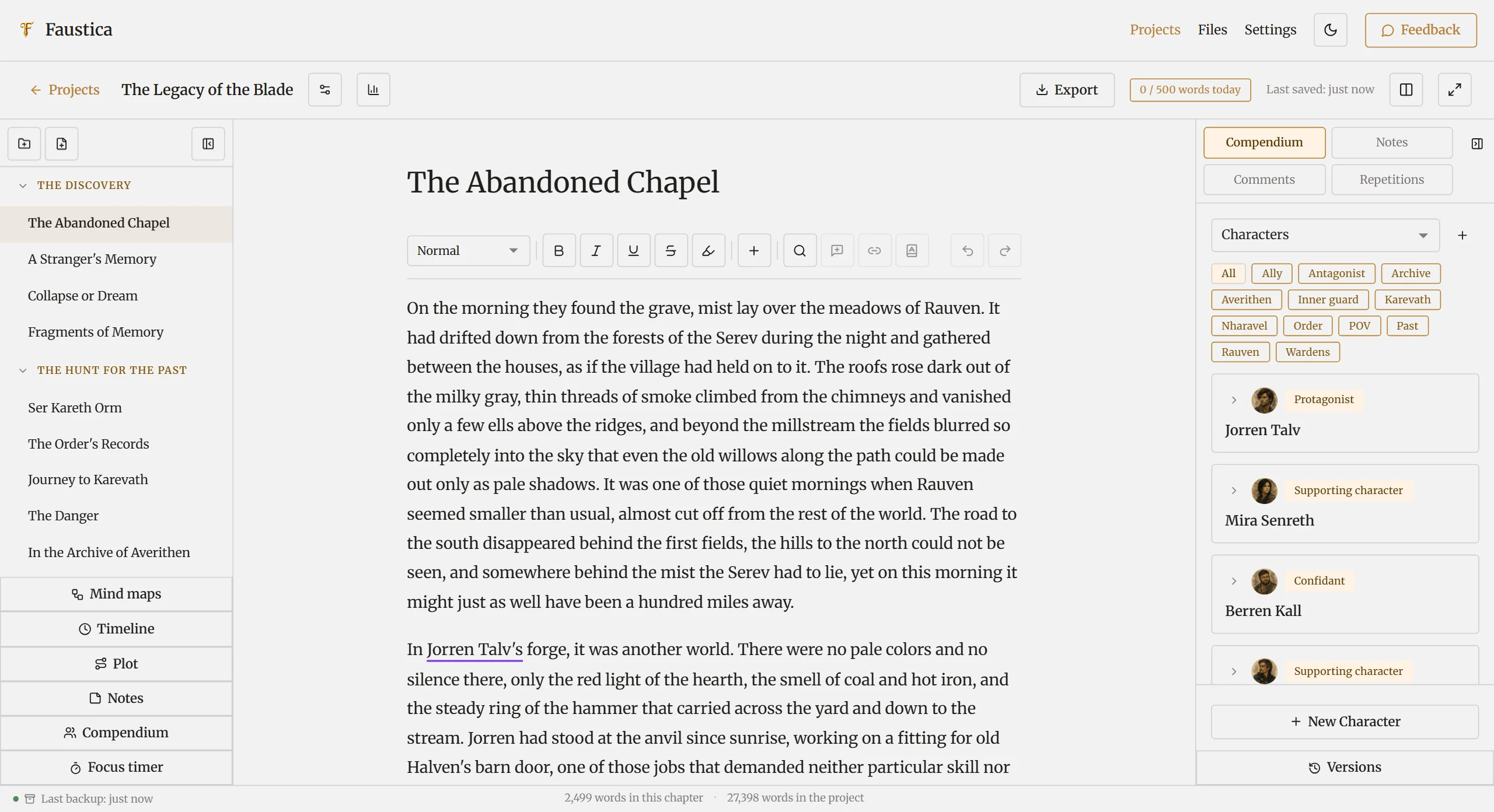
Choose from six color themes: Faustica, Sage, Ink, Rosewood, Lavender and Graphite. Each comes in a light and a dark variant, switched as usual with the moon icon. Preview cards show you how a theme looks before you pick it.
You decide on fonts and sizes too: separate fonts for interface and editor, three editor font sizes and an interface size from 90 to 125 %.
You can choose a background image for each project, and side panels can be shown or hidden as needed. What you need stays visible, everything else fades into the background.
In detail
Six themes, light and dark.
Pick a color theme above and drag the slider to compare its light and dark variants.

Try it
See for yourself.
Free for 30 days, with no limitations. No account, no AI. If you like Faustica, you buy it once and keep using it.
One-time purchase, no subscription · No payment details needed for the trial